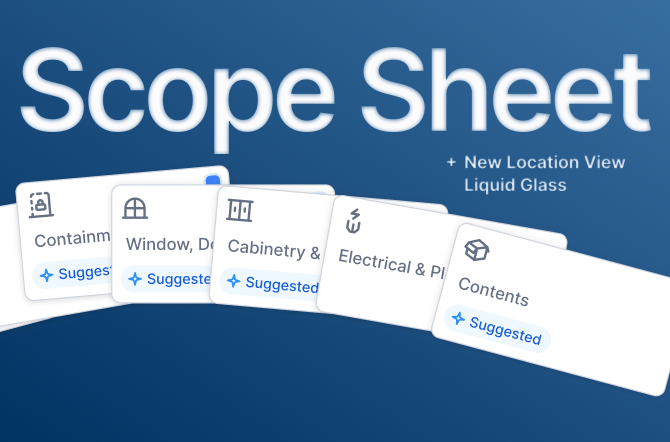
Scope Sheet
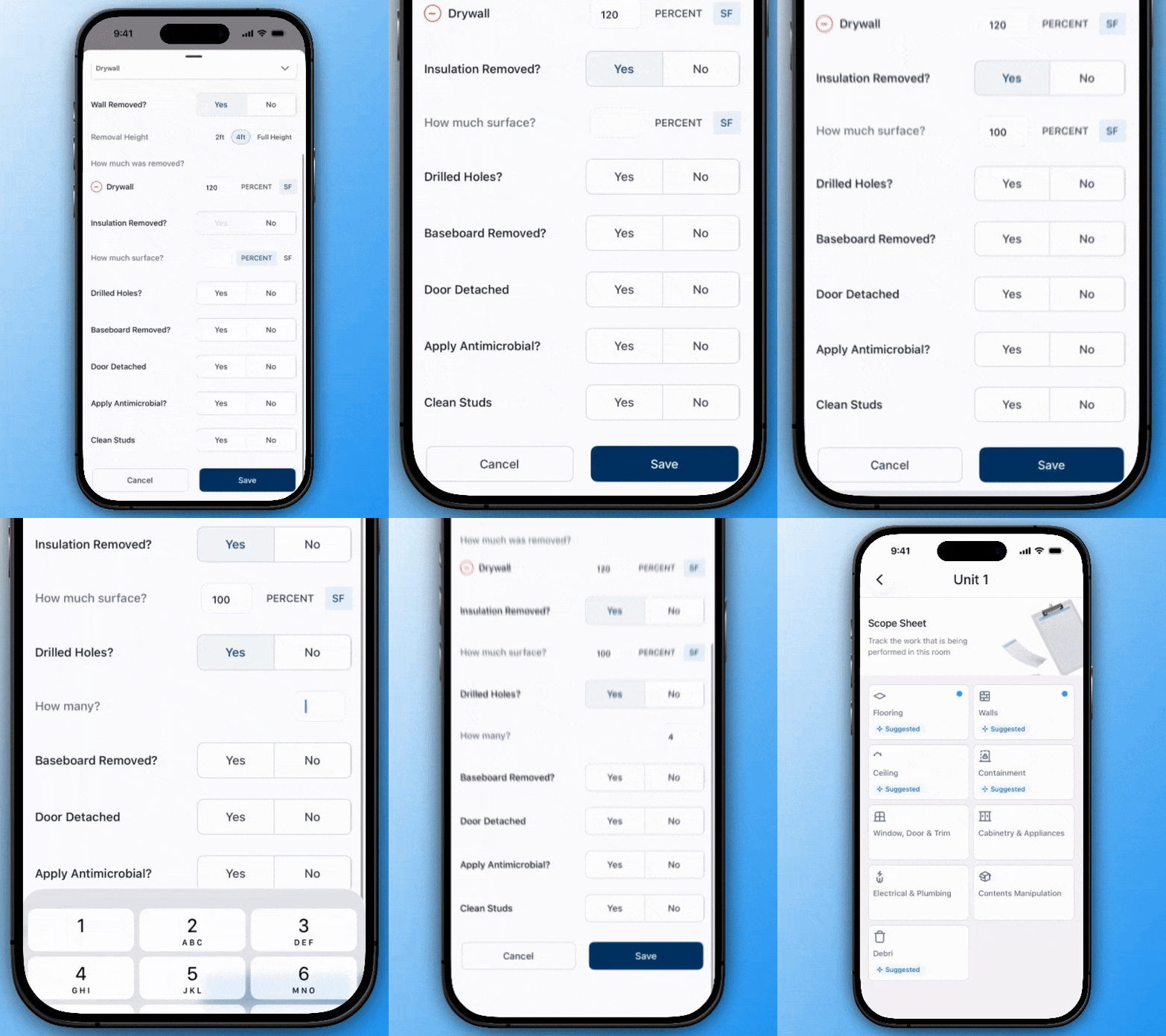
Record each line item you perform per room with guided, structured prompts. Your entries stay in Capabuild so you can reuse them during estimation and when submitting estimate requests.
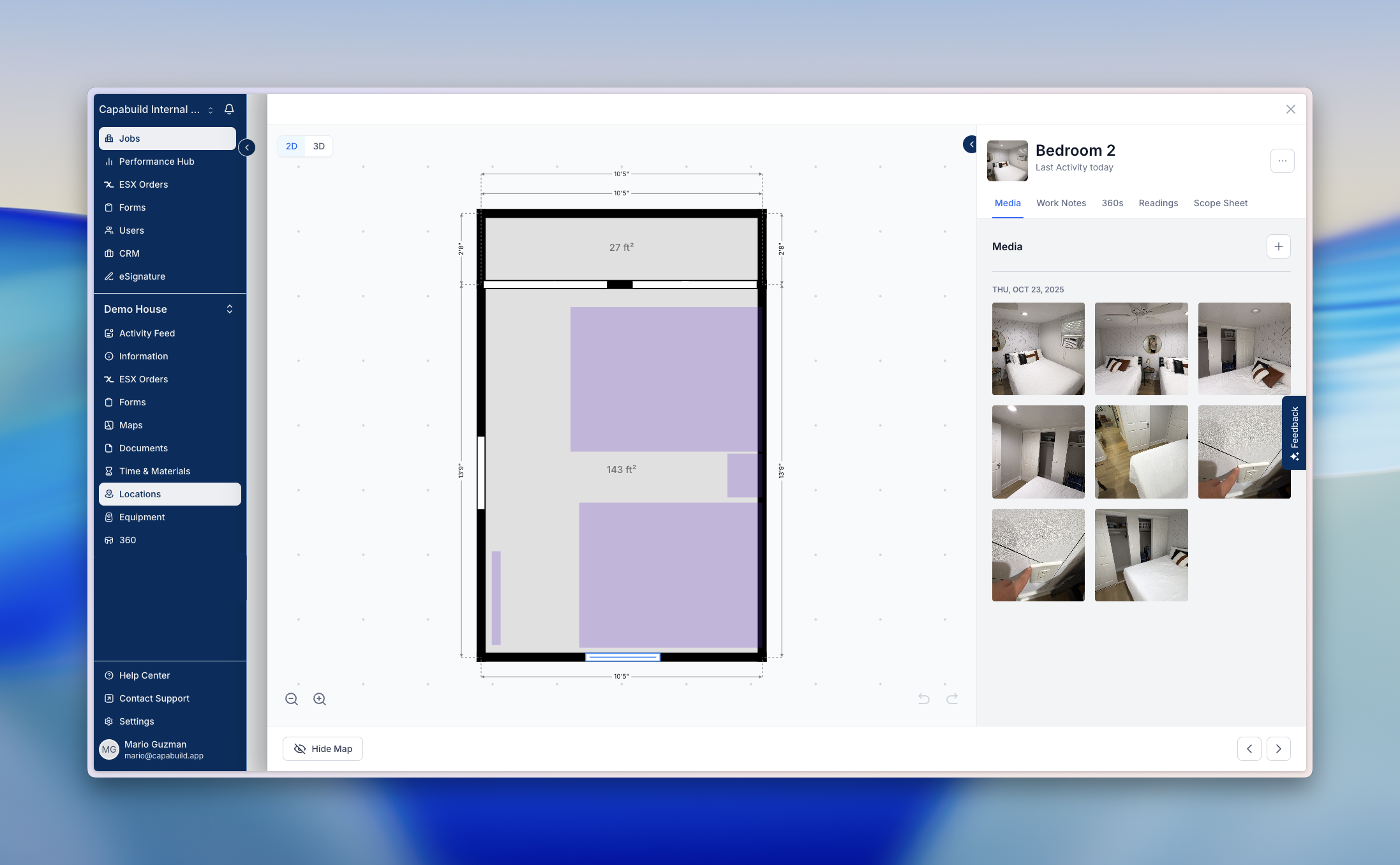
New Location View on Web
Navigate locations on the web with a layout that mirrors mobile. Scan key summaries (equipment, notes, tasks, photos) at a glance, then jump into full pages when you need more detail.
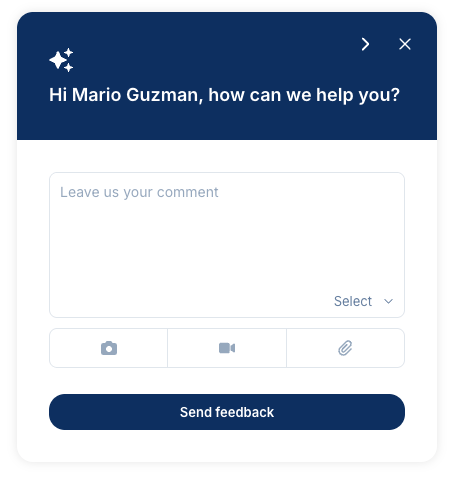
Feedback Widget on Web and Mobile
Have a feature idea, found a bug, or need help? Open the feedback widget anywhere. Available on web or mobile to submit ideas, report issues, or contact support in a few taps.
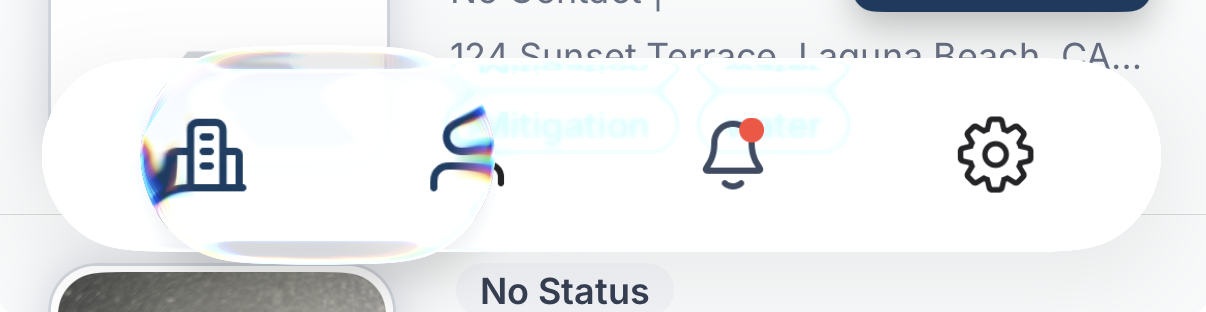
Liquid Glass
We’re incorporating Apple‑style liquid glass UI into the mobile app, bringing fluid, translucent surfaces and refined motion across the app navigation.
Instructions Block on Forms
Add an “Instructions” section to any form to guide teams on what to capture and how to proceed before they start filling fields.

Fixes & Improvements You’ll Notice

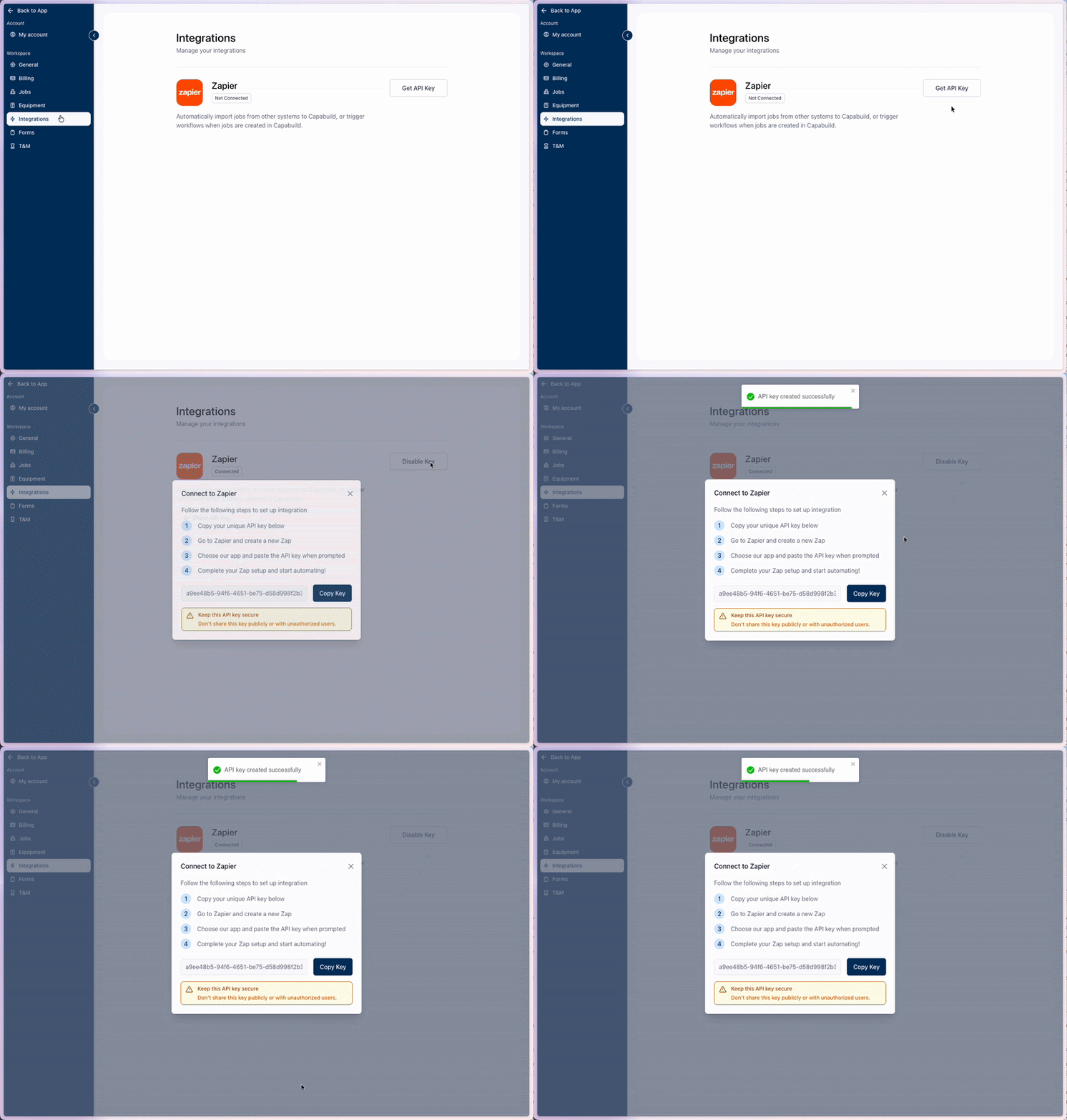
Zapier integration
Capabuild’s public Zapier integration makes it easier than ever to connect your restoration workflows with the tools you already use. Available now for all accounts.
To get Started:
Go to Settings → Integrations to find your Zapier key and start building Zaps. Admin access is required.
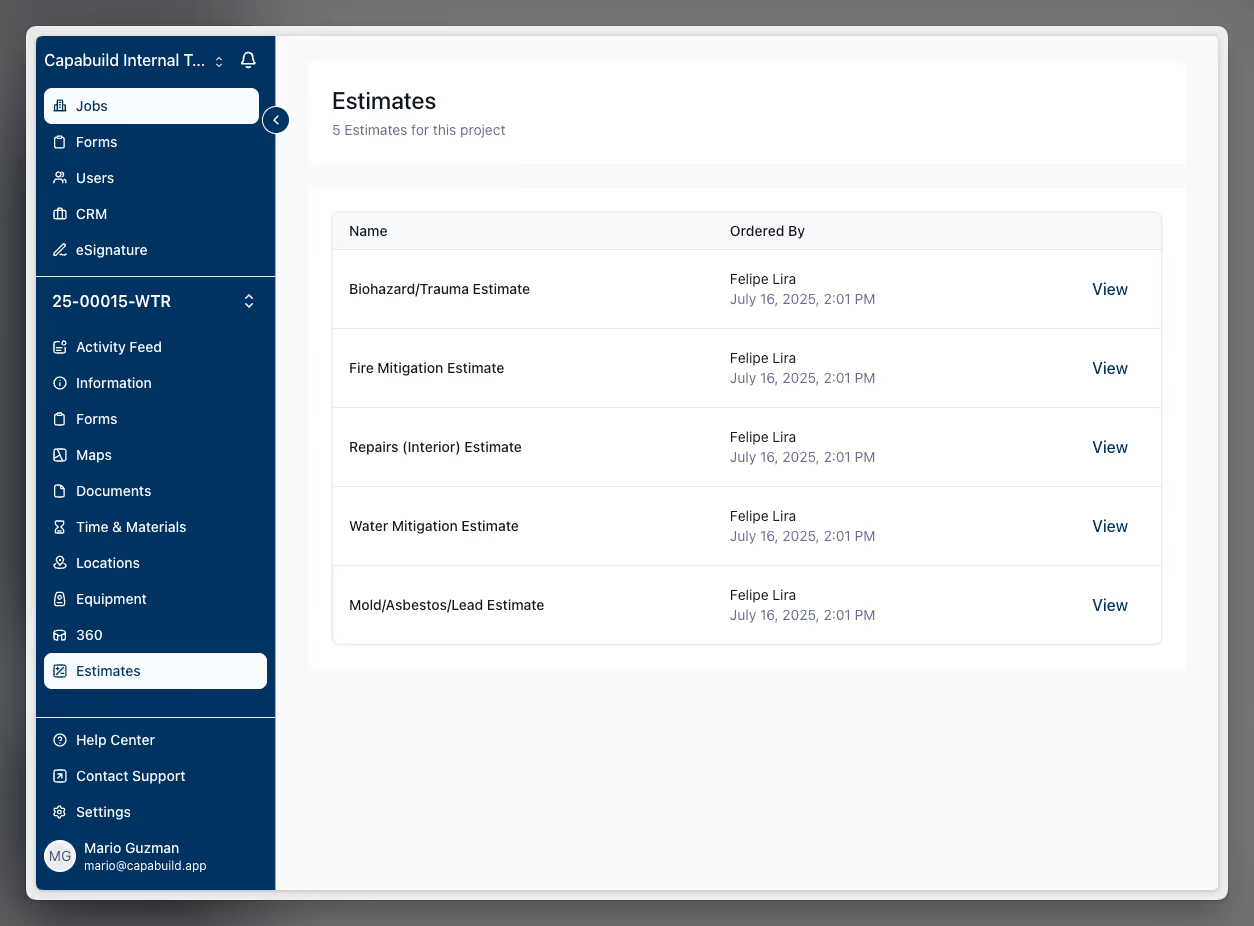
ESX Orders (formerly “Estimates”)
We’ve renamed “Estimates” to “ESX Orders” for clarity. See all orders per project at a glance, with sketches returned directly to the app for faster review.

Capabuild Store
The Capabuild Store is live, starting with the Insta360 bundle for field documentation—curated to get teams the right kit quickly, at a discounted rate.
.png)
Improvements and fixes
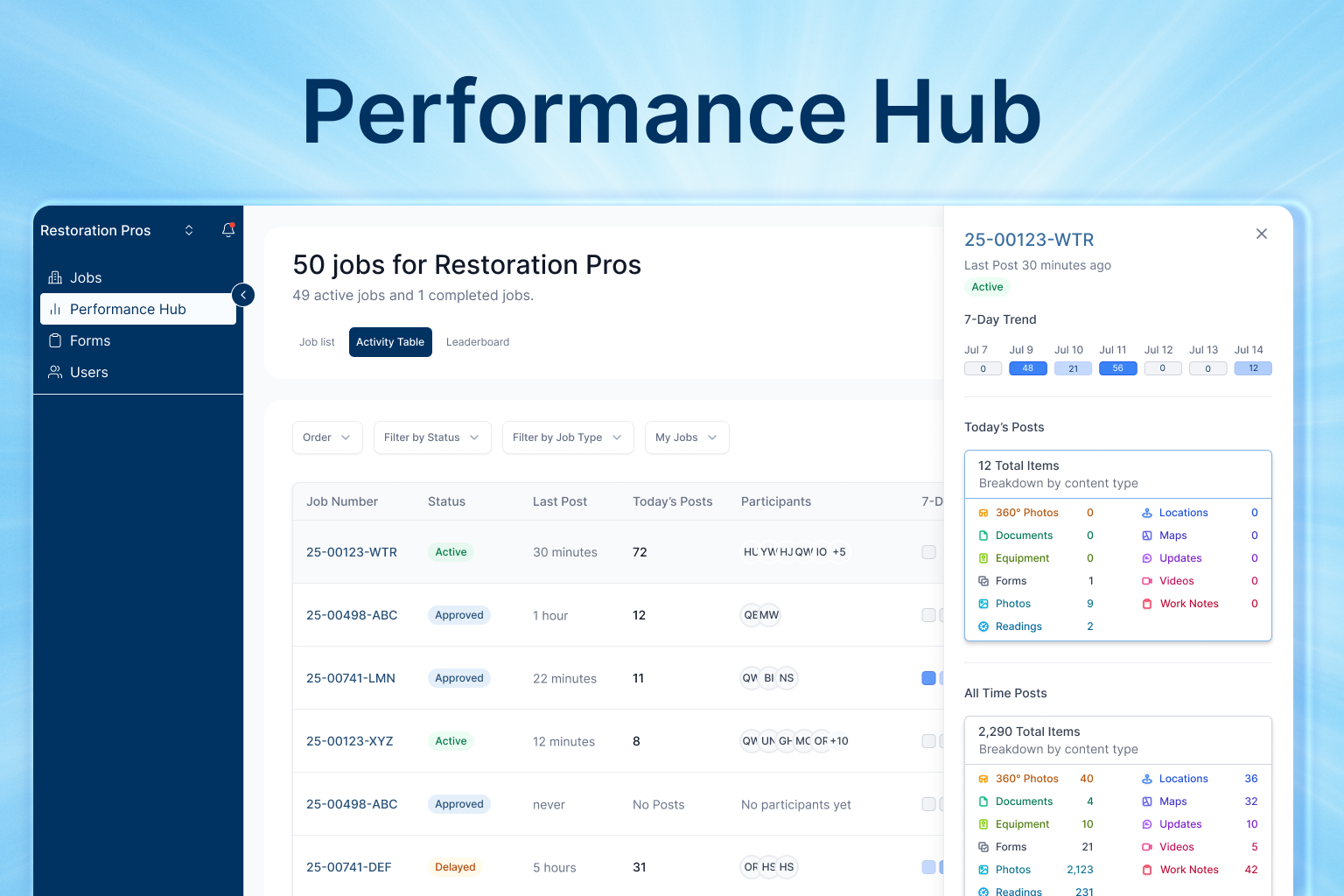
Performance Hub brings all your most important data together in a single, interactive web dashboard. Instantly spot which projects are thriving, where attention is needed, and how every technician is contributing without sifting through endless spreadsheets or reports.
With real-time visibility into every job and user, admins can:
Performance Hub is available now only for admin accounts.
Improvements and fixes
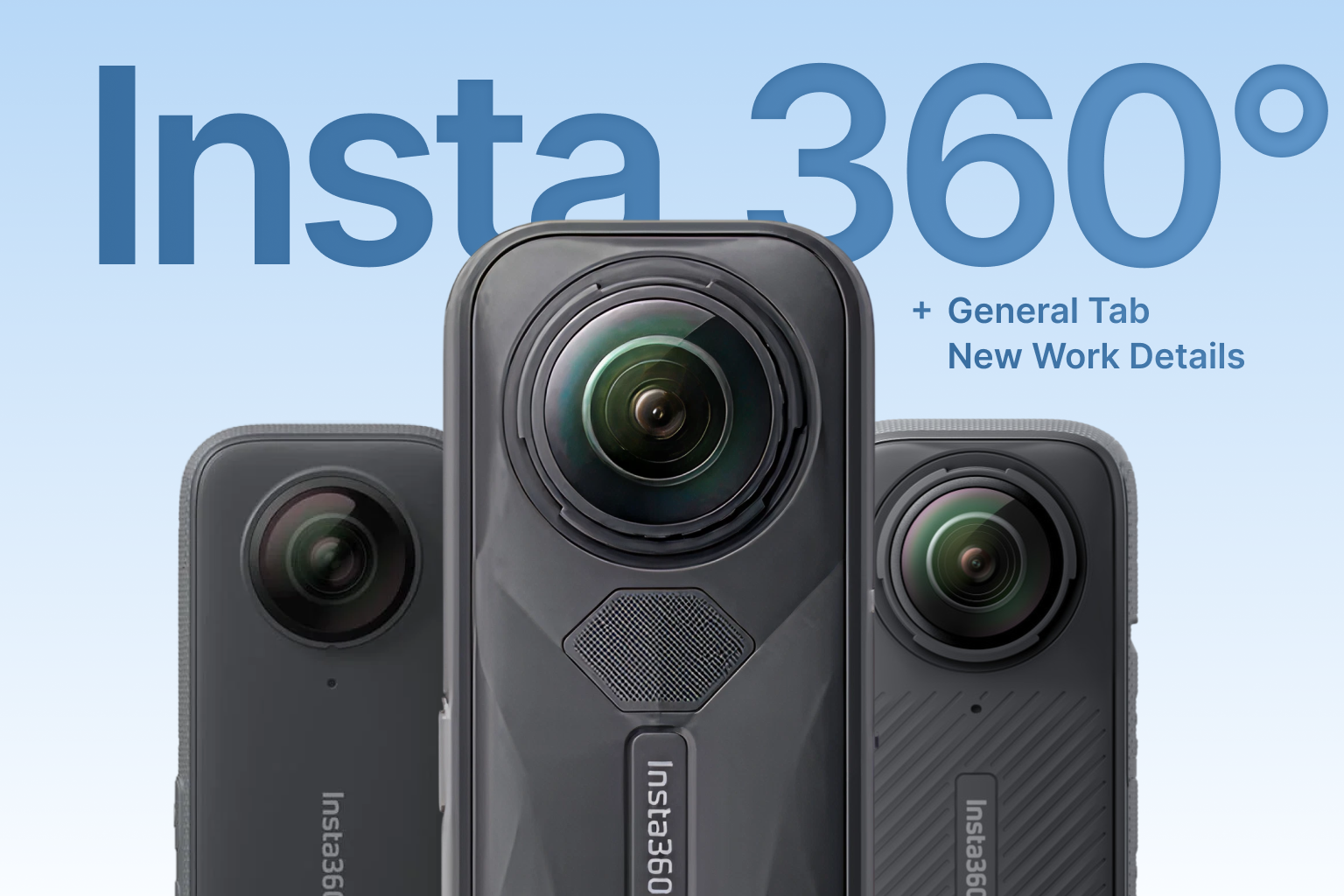
Insta360 Camera Integration:
Capabuild now works seamlessly with Insta360 cameras (X3, X4, X5), letting you capture 360° job site images with speed and flexibility.
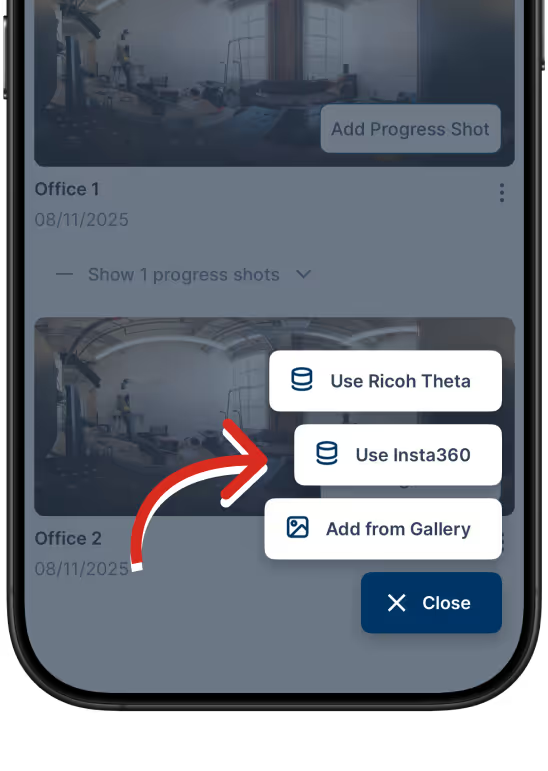
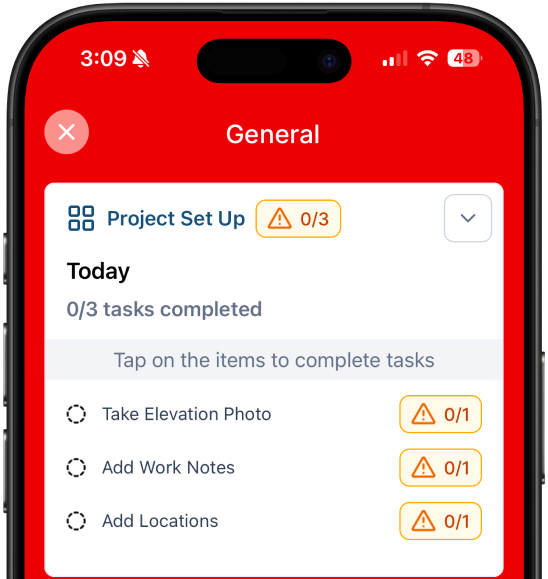
New General Tasks:
Track key project steps like elevation photos, assign work details to the entire job, and add project locations all with less hassle.
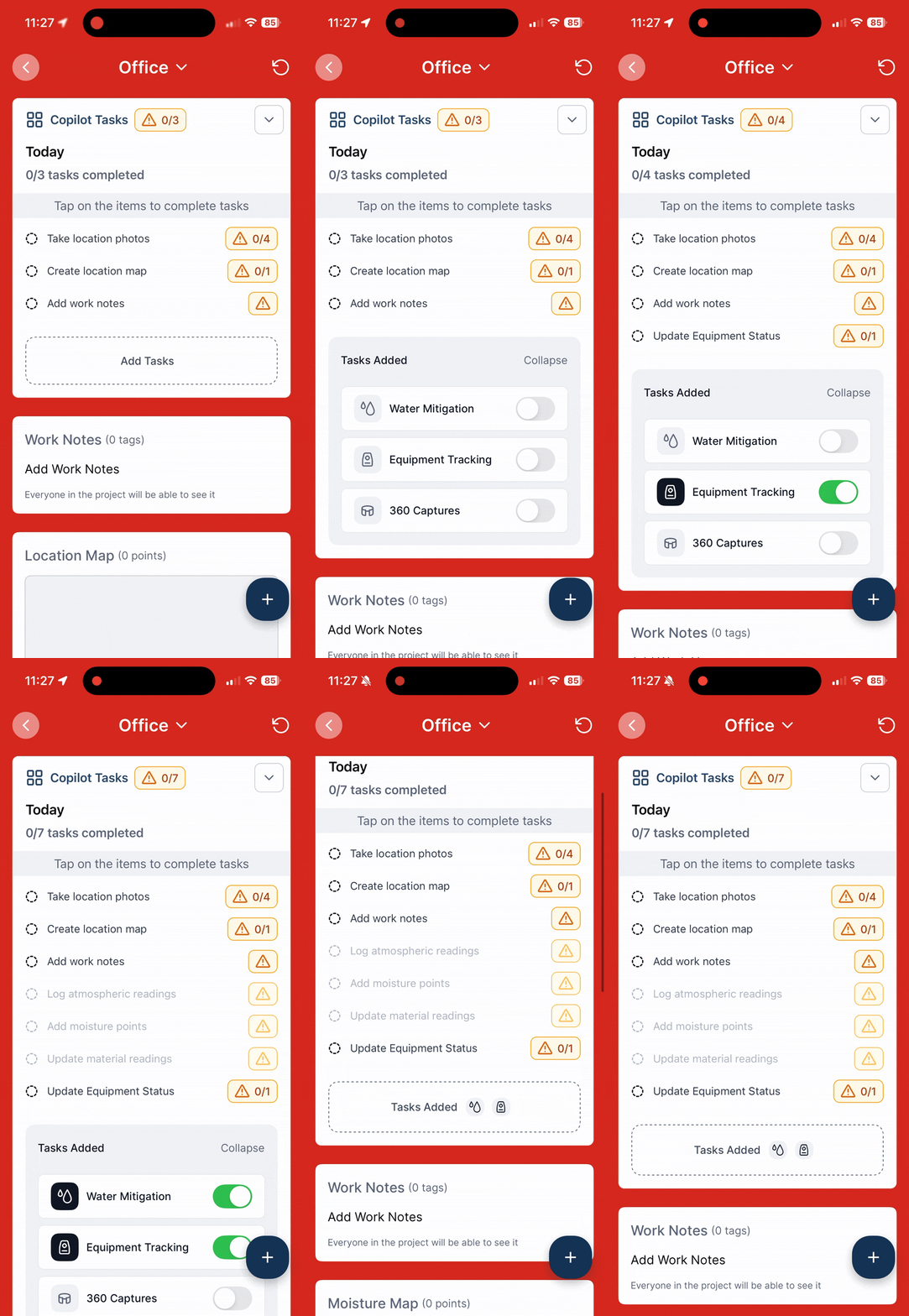
Smarter Task Reminders:
Copilot now lets you choose which tasks to get reminded about each day, at every project location.
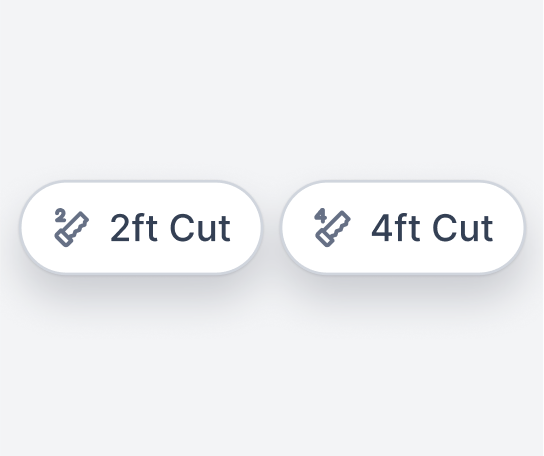
New Flood Cut Tags:
Use the new 2ft and 4ft flood cut tags for precise demo documentation and reporting.
Improvements and fixes
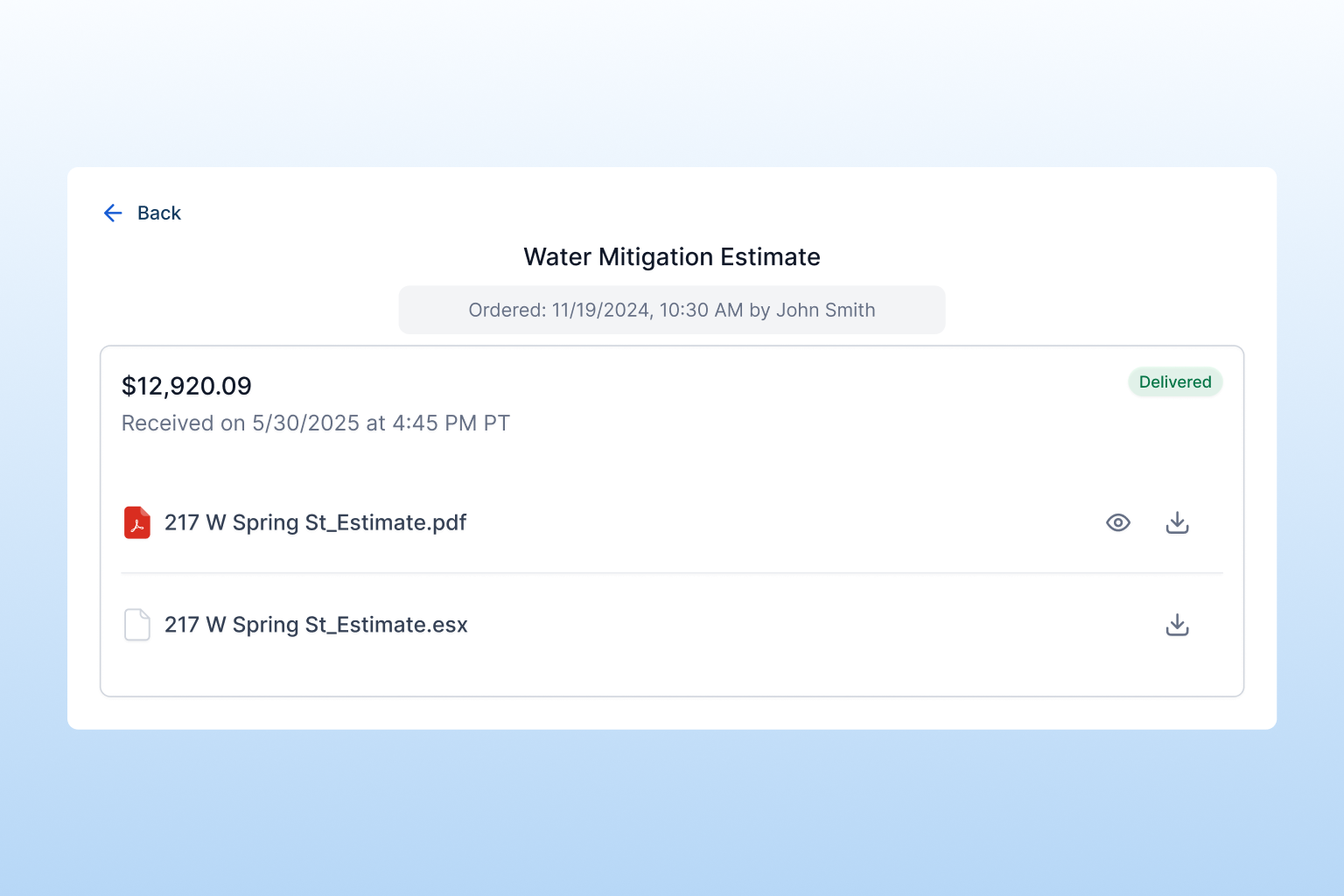
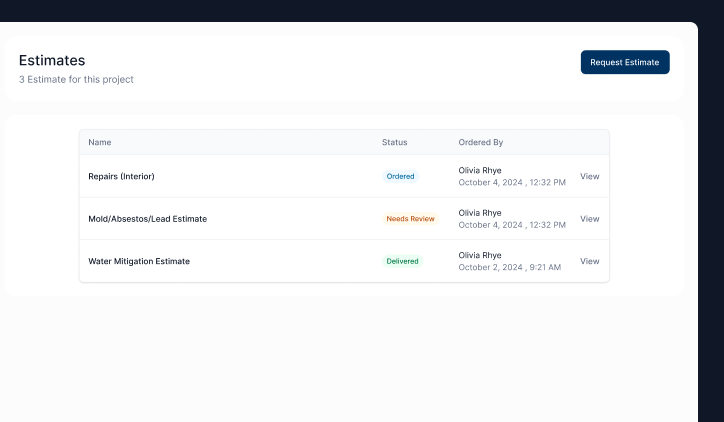
Estimate Tracking:
Each estimate now shows a clear status: Ordered, Needs Review, or Delivered. You’ll see exactly where your request stands at a glance.
Direct File Delivery:
When your estimate is ready, ESX and PDF files are delivered straight to the app for easy download and sharing. Reminder that a 1% fee applies to any estimate amount above $50,000.
Coming soon:
You’ll also be able to track and receive sketch files in the app.
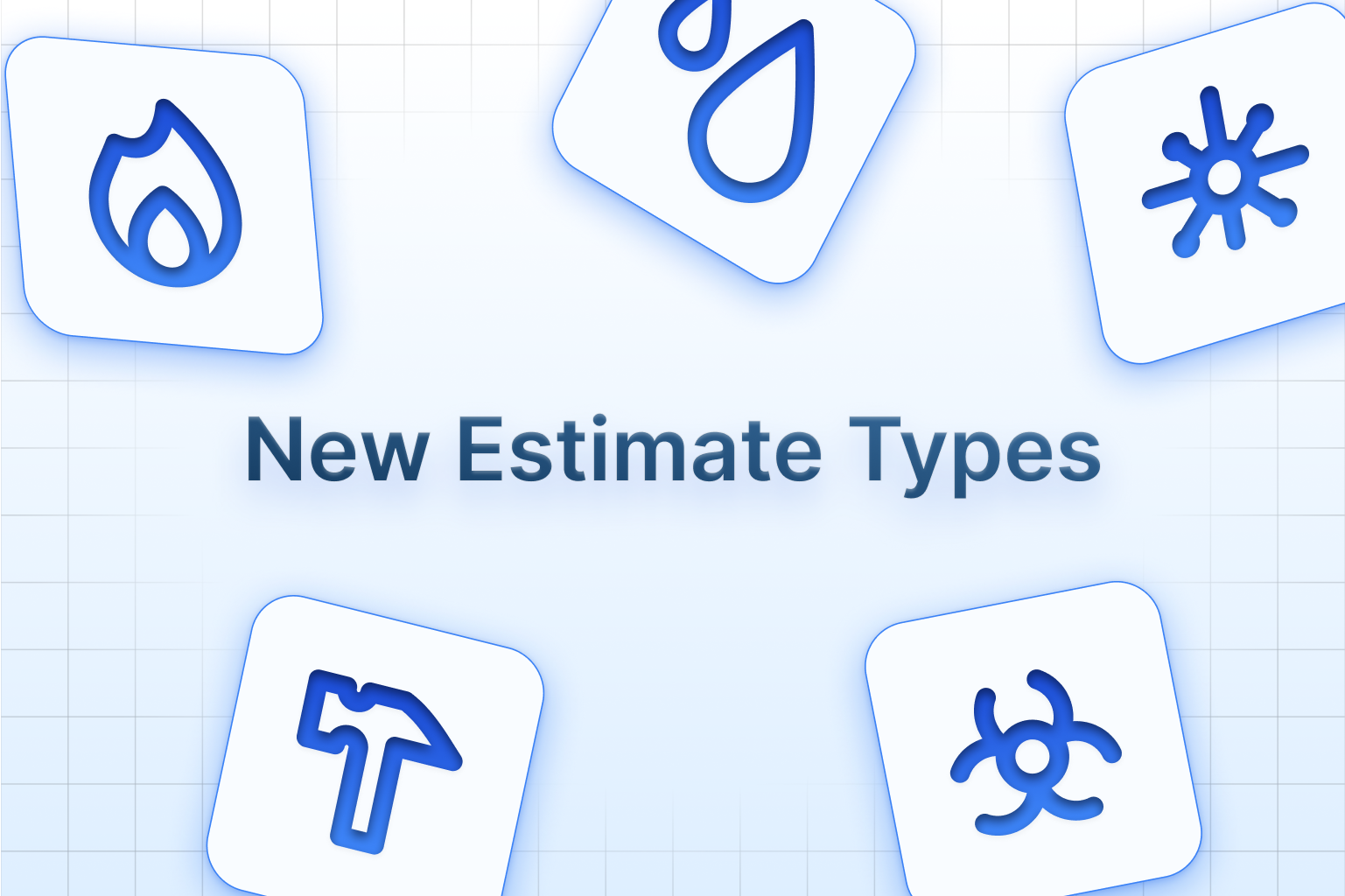
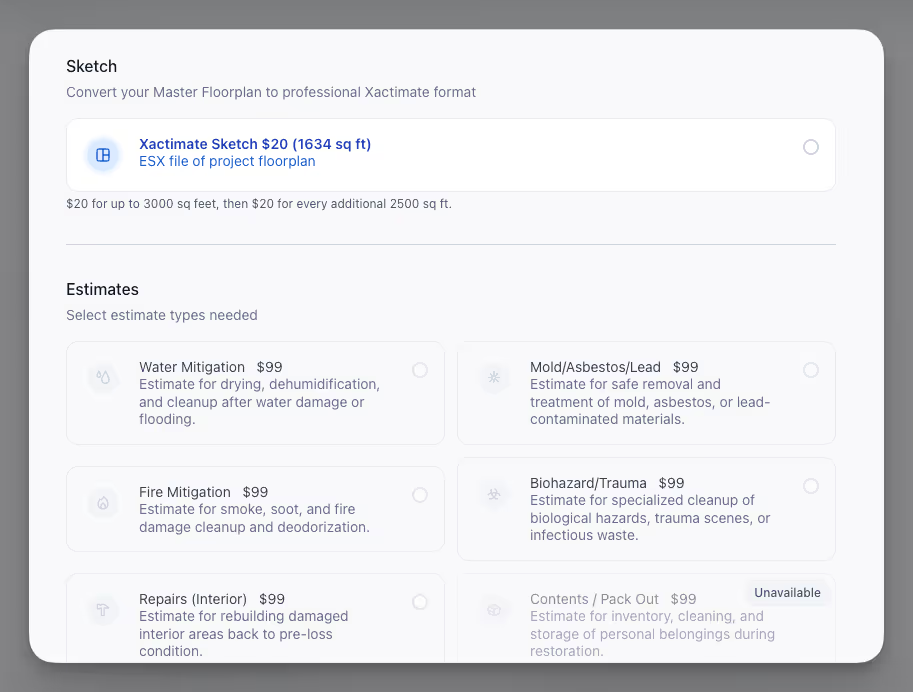
New Estimates:
You can now request estimates for a wider range of services all within the unified estimate flow. Choose from Water Mitigation, Fire Mitigation, Mold/Asbestos/Lead, Biohazard/Trauma, and Interior Repairs.With a complete new request flow you can now request one or multiple estimate types as needed.
Simpler Request Flow:
We’ve unified the process for ordering sketches and estimates into a single, streamlined modal. Now, whether you need a sketch, an estimate, or both, you can make all your selections in one place.Access the new request flow from the Estimates tab, Activity Feed, or directly from the Master Floorplan page.Simply choose your estimate types, put together your master floorplan with roomscans, and submit. The system will guide you through any required steps, ensuring your requests are complete and ready for fast processing.
Estimates Tab:
You’ll now find a dedicated Estimates tab within each job, making it easy to manage and track all your requests for that specific project.From this tab, you can create new requests, monitor each estimate, and access all related documents.Coming soon: You’ll be able to view and download ESX and PDF files for your estimates directly from this page, making it even easier to access and manage your project documents.
Changes
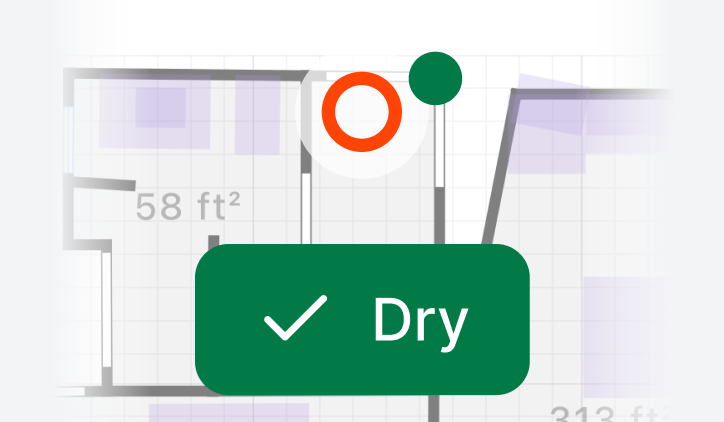
Mark Point Dry:
The new Mark Dry feature lets you indicate when a moisture reading has reached your target level, all within the app. As you record moisture measurements on-site, you can select any point and mark it as dry once it meets your standards.Each dry point updates visually, so your team can quickly see which areas have been completed and which still need attention.
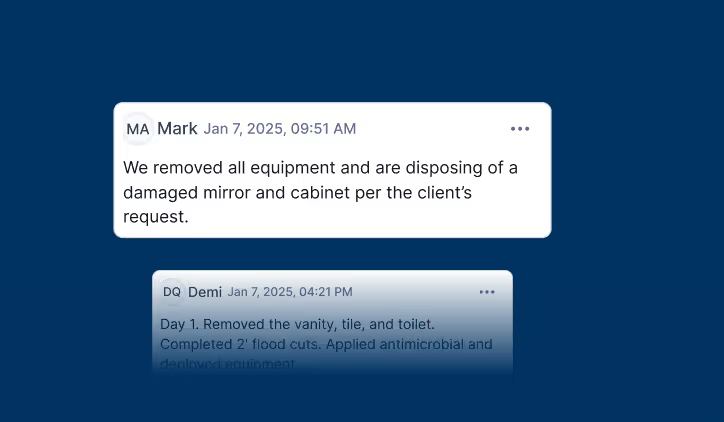
Typed Work Notes by Location:
You can now capture detailed observations, instructions, and updates for every area of your job site. Add notes directly to each location, so all important information stays organized and easy to find.You can add notes as the project moves forward, and everyone on the team will see the latest details for each location. This makes communication smoother, helps track progress, and ensures that nothing important gets lost.Type work notes and work details tags will appear on your summary of loss report.
Changes
Improvements and fixes
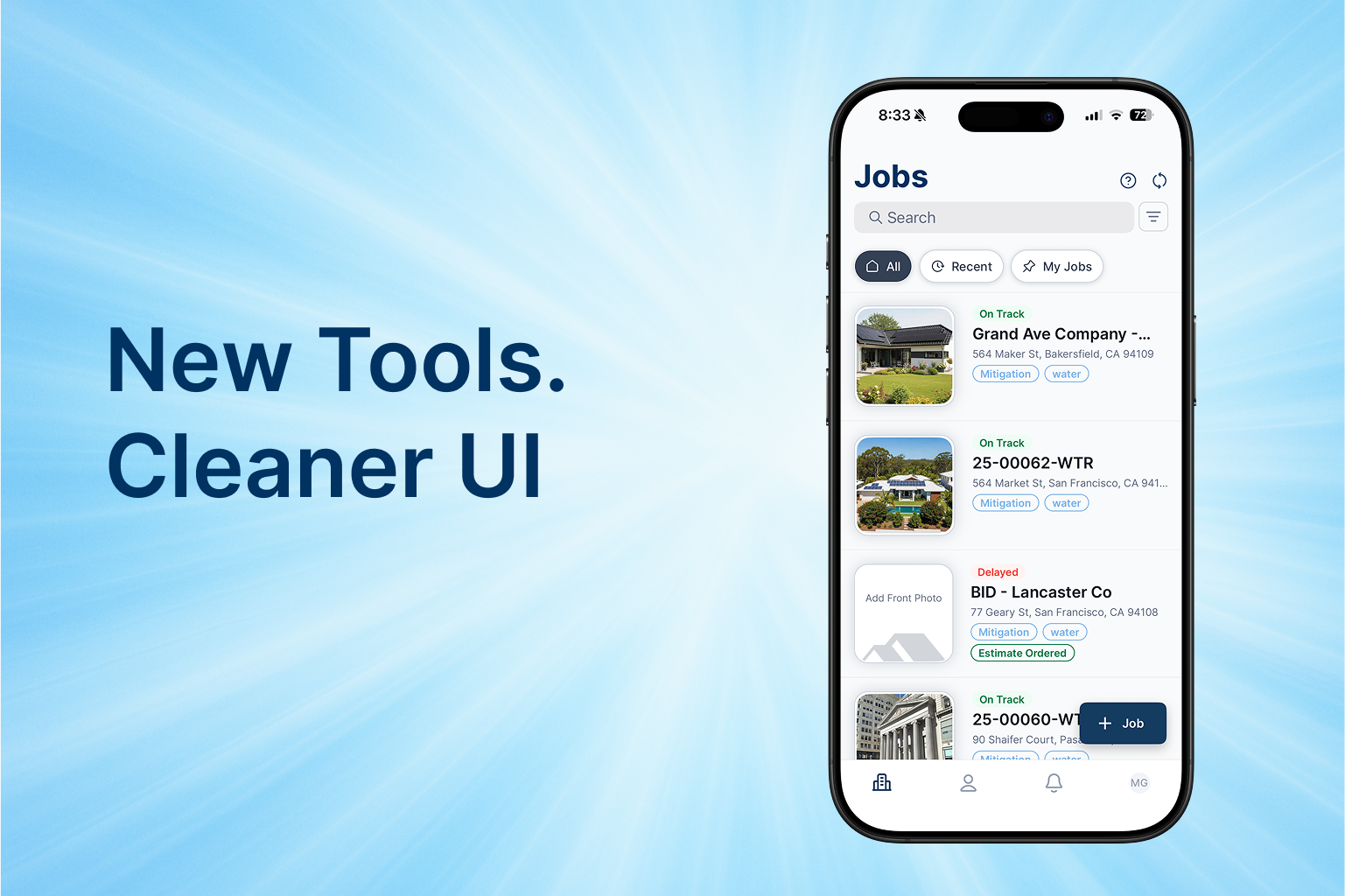
New Redesigned Mobile Interface:
Completely new mobile interface with cleaner layout and improved navigation. Move through jobs with less tapping and more focus on getting work done, with streamlined access to the tools you use most frequently.
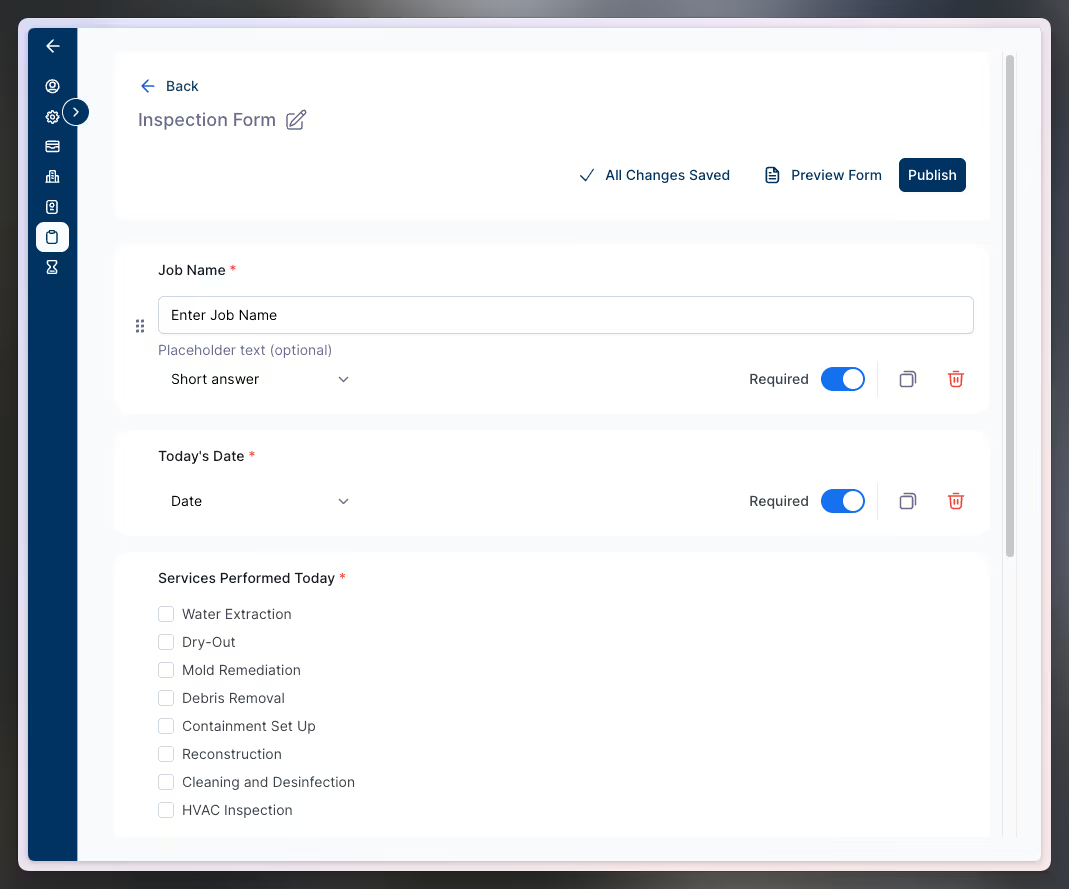
Custom Form Builder for Admins:
Choose from 10+ question types including short/long text, dates, numbers, yes/no, signatures, multi-select, dropdowns, and more.Once published, your field teams will find custom forms right in their Forms list, eliminating paper workflows entirely. Your existing legacy forms remain accessible as you transition to the new builder.
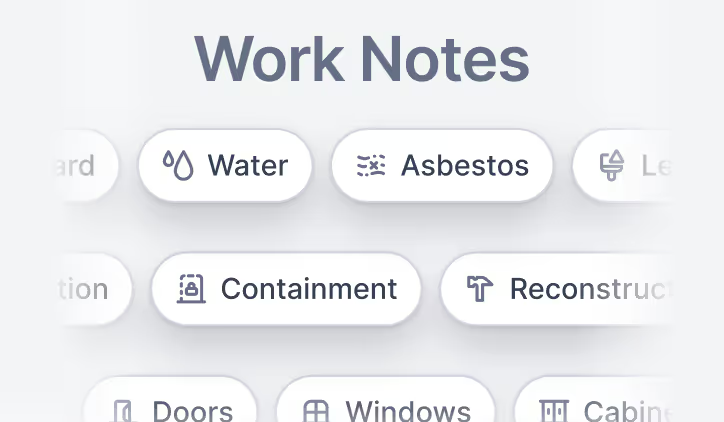
Work Notes Keep Everyone Aligned:
Add tags by type including damage, work, or impacted areas, all organized by location on the same page as your field data. This keeps all project information consolidated and makes it easier to track what needs to be done at a location by location level.Select from comprehensive damage categories (water, fire, mold, biohazard, asbestos, lead paint, smoke, sewage, trauma), work types (mitigation, demolition, cleaning, extraction, containment, reconstruction, contents, electrical, plumbing, carpentry), and impacted areas (ceiling, walls, floors, doors, windows, cabinets, appliances, trim, MEP)A new copilot task prompts technicians to add these notes, giving the team the context they need. Tags will appear on reports in upcoming updates.
Improvements